As an Airline, How to Cancel a Forwarder Booking
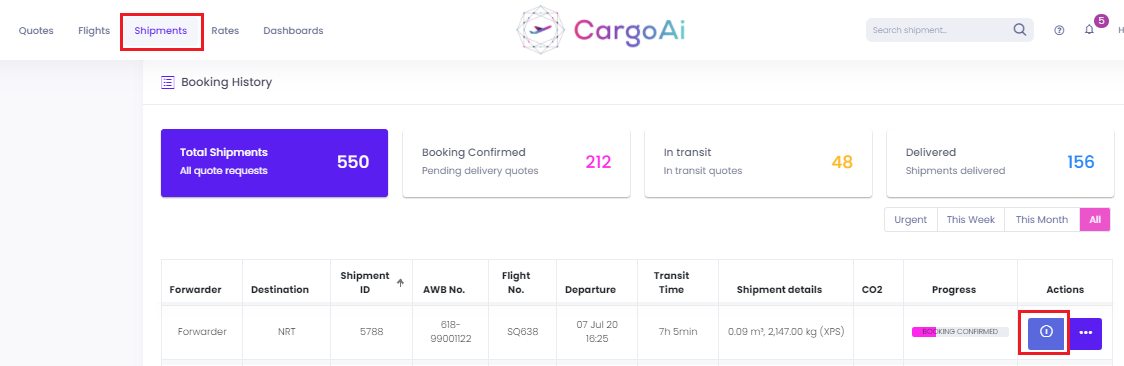
1. Locate the shipment in the list and click (i).
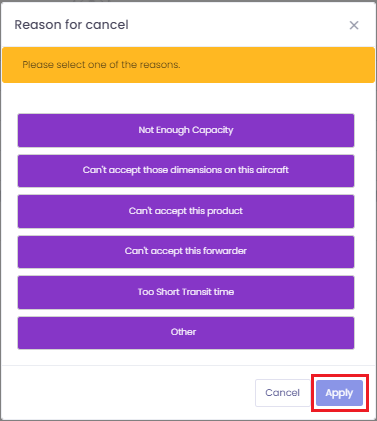
2. Select CANCEL, choose a reason, then click APPLY.
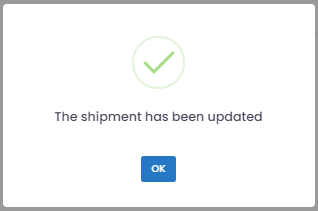
3. Confirm by clicking CANCEL BOOKING. The prompt "The shipment has been updated" appears — click OK.