
Introduction
This guide explains how to use the Interline module on CargoMART. It walks you through registration, login, and how to search and book interline shipments.
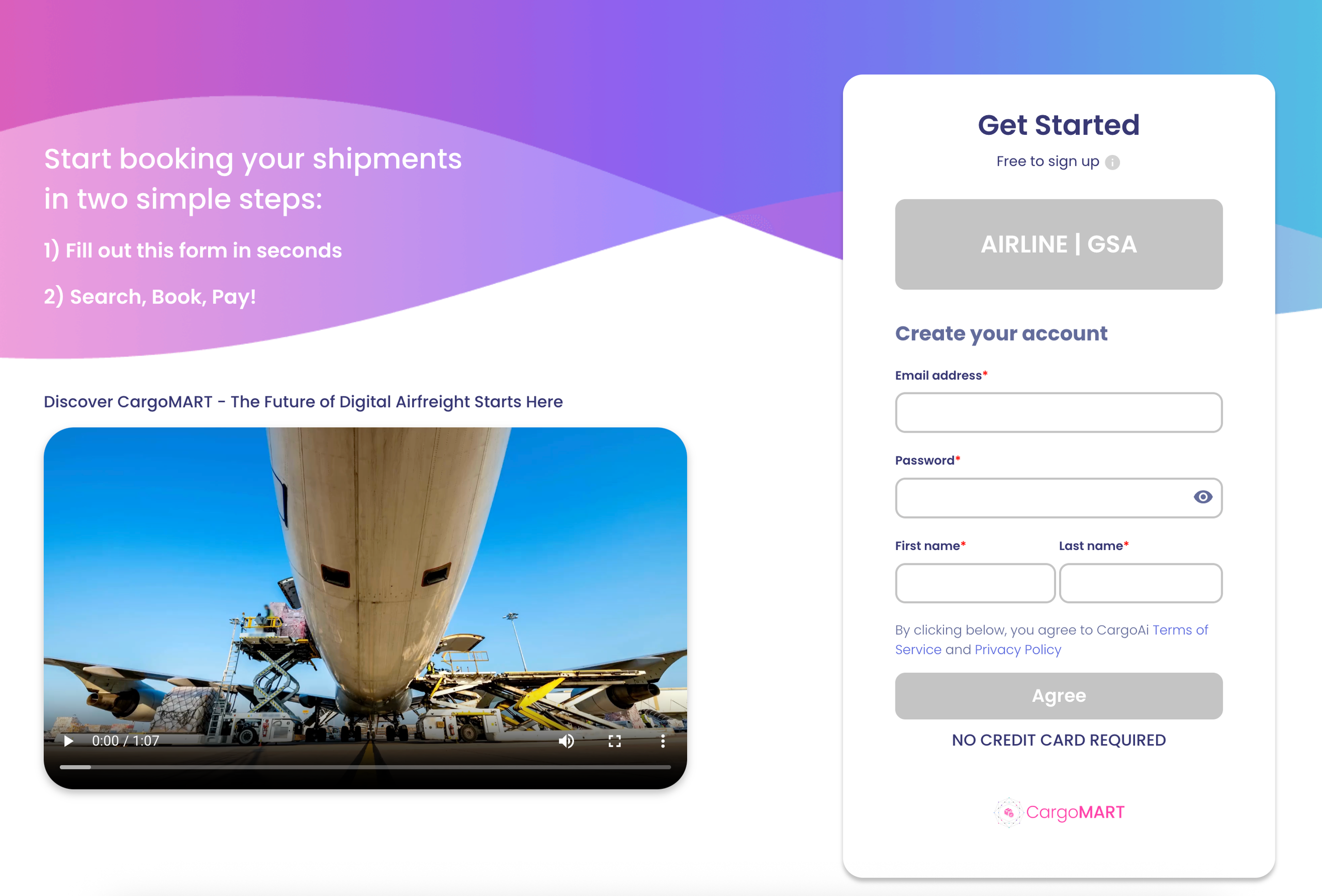
Getting Started
Step 1 — Register as an airline at https://app.cargoai.co/register?type=airline.
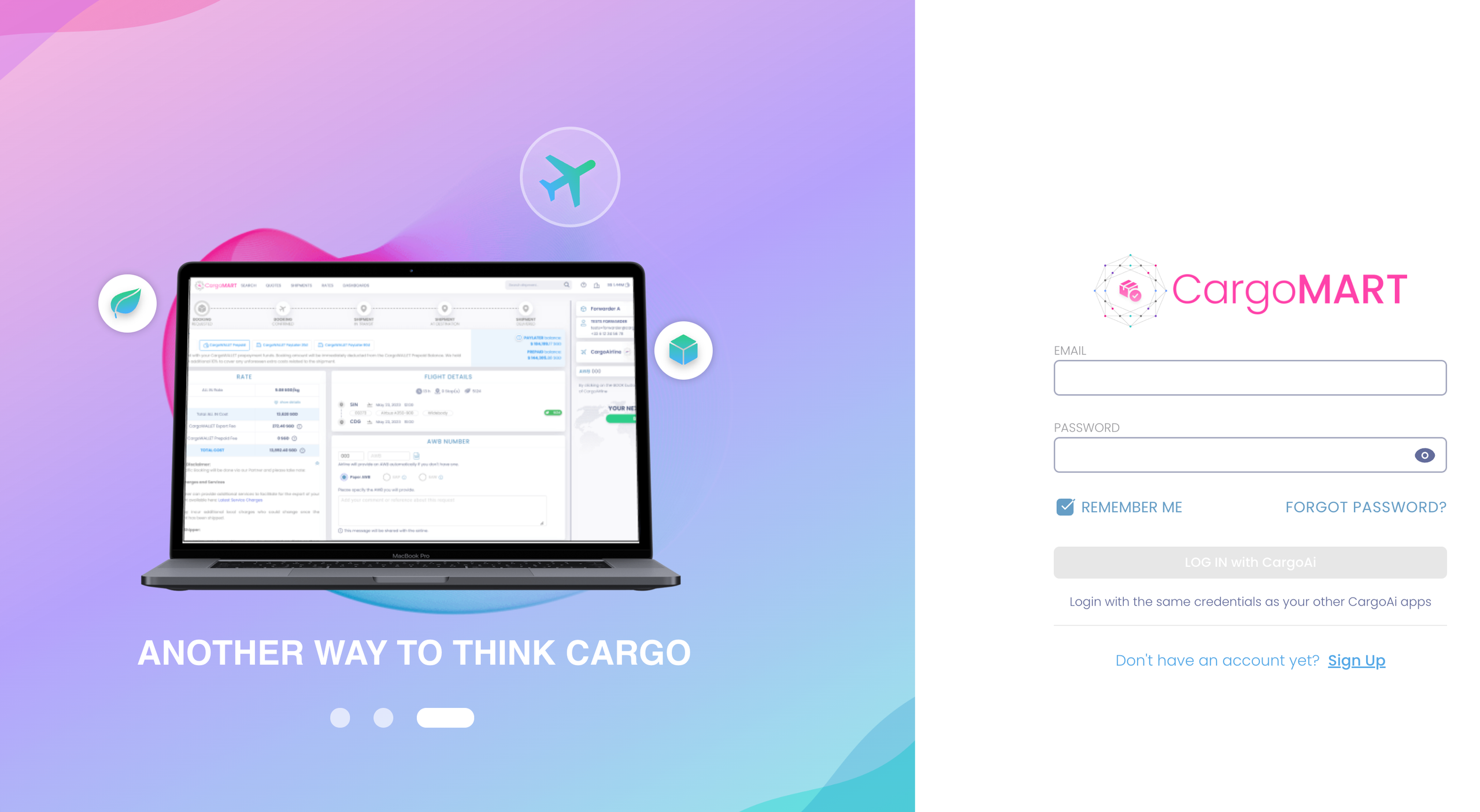
Step 2 — Log in with your credentials at https://app.cargoai.co/auth/login.
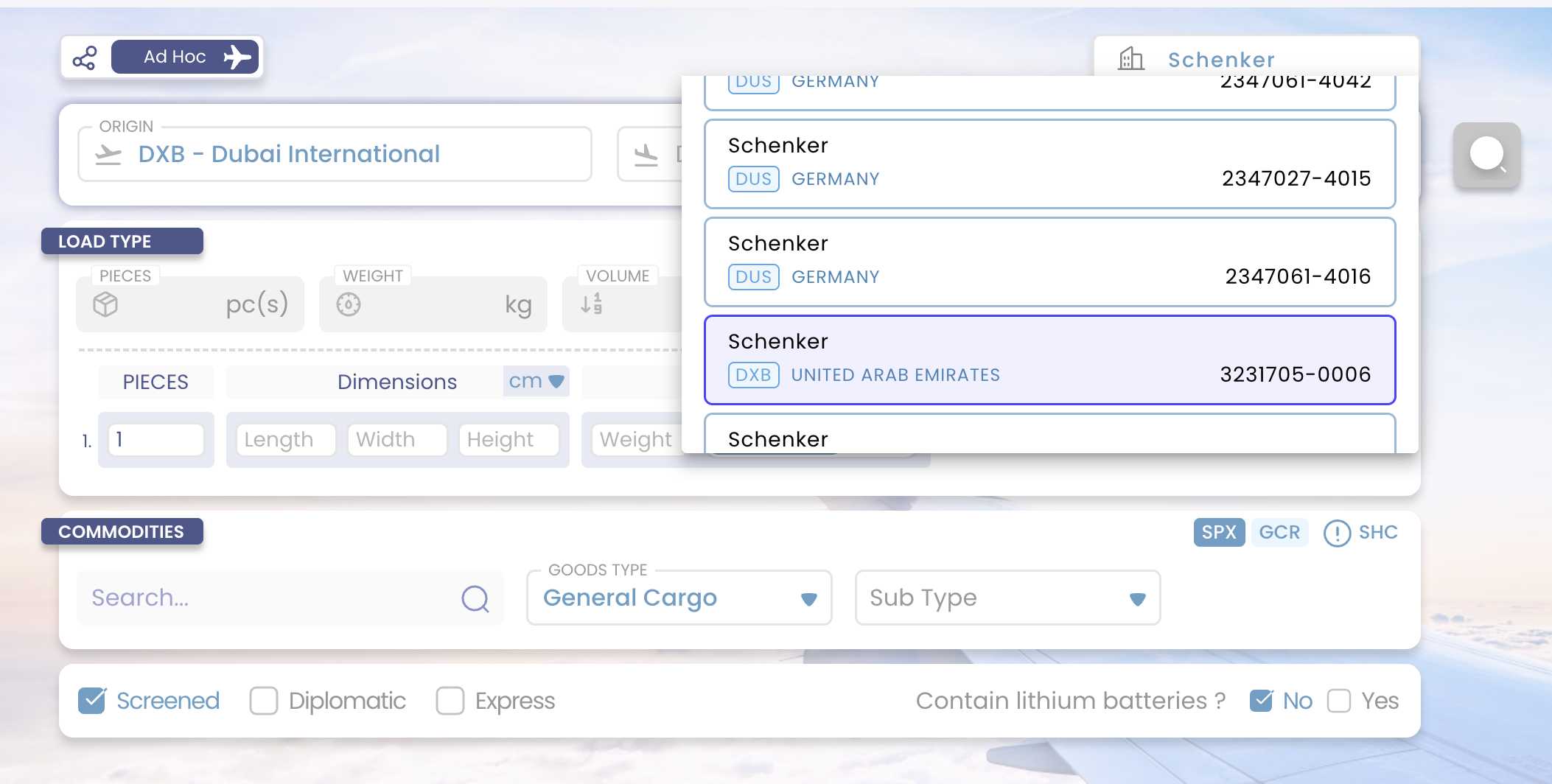
How to Search and Book
From the dashboard, use the Interline search to find available capacity and submit your booking request.
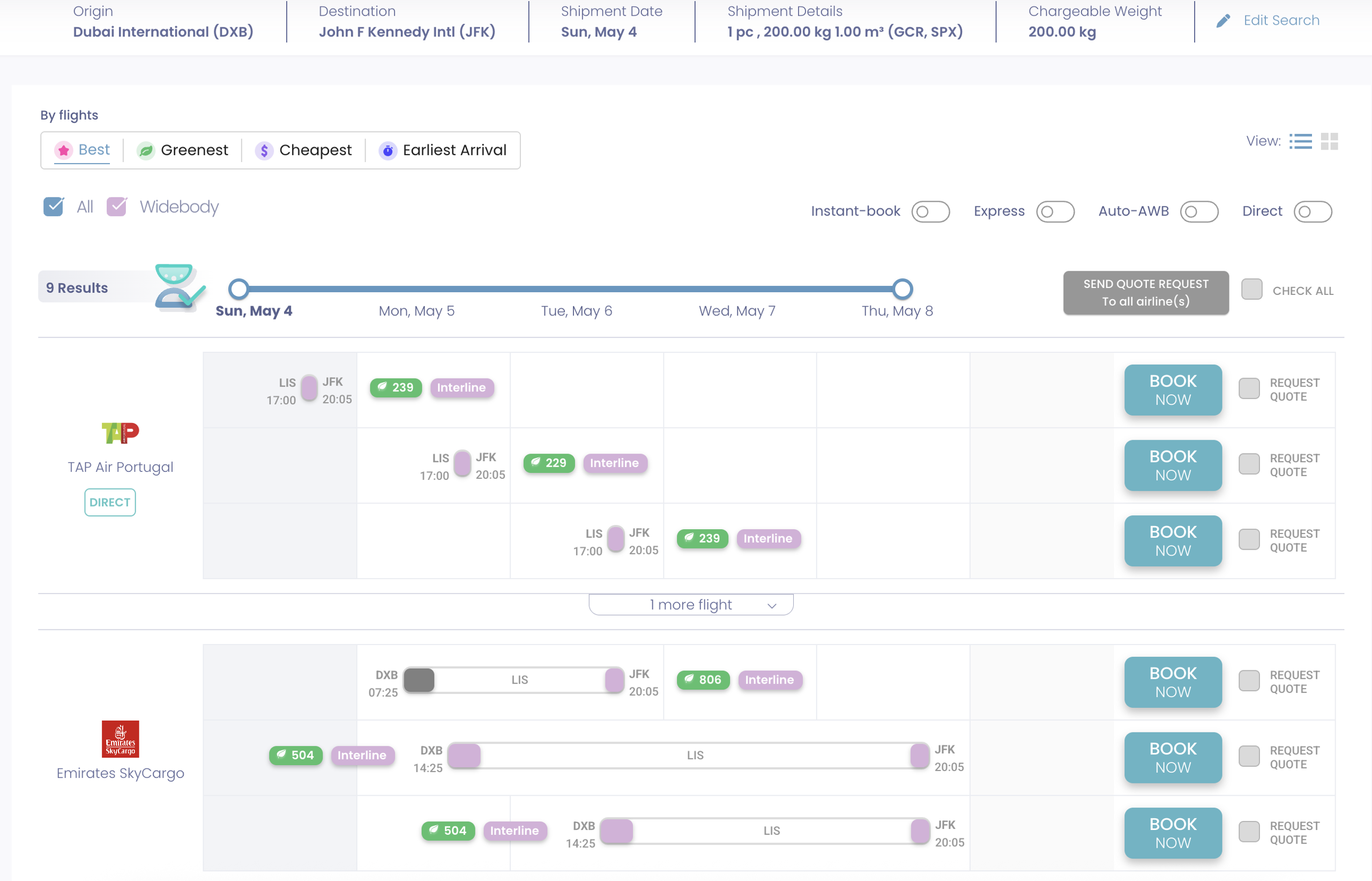
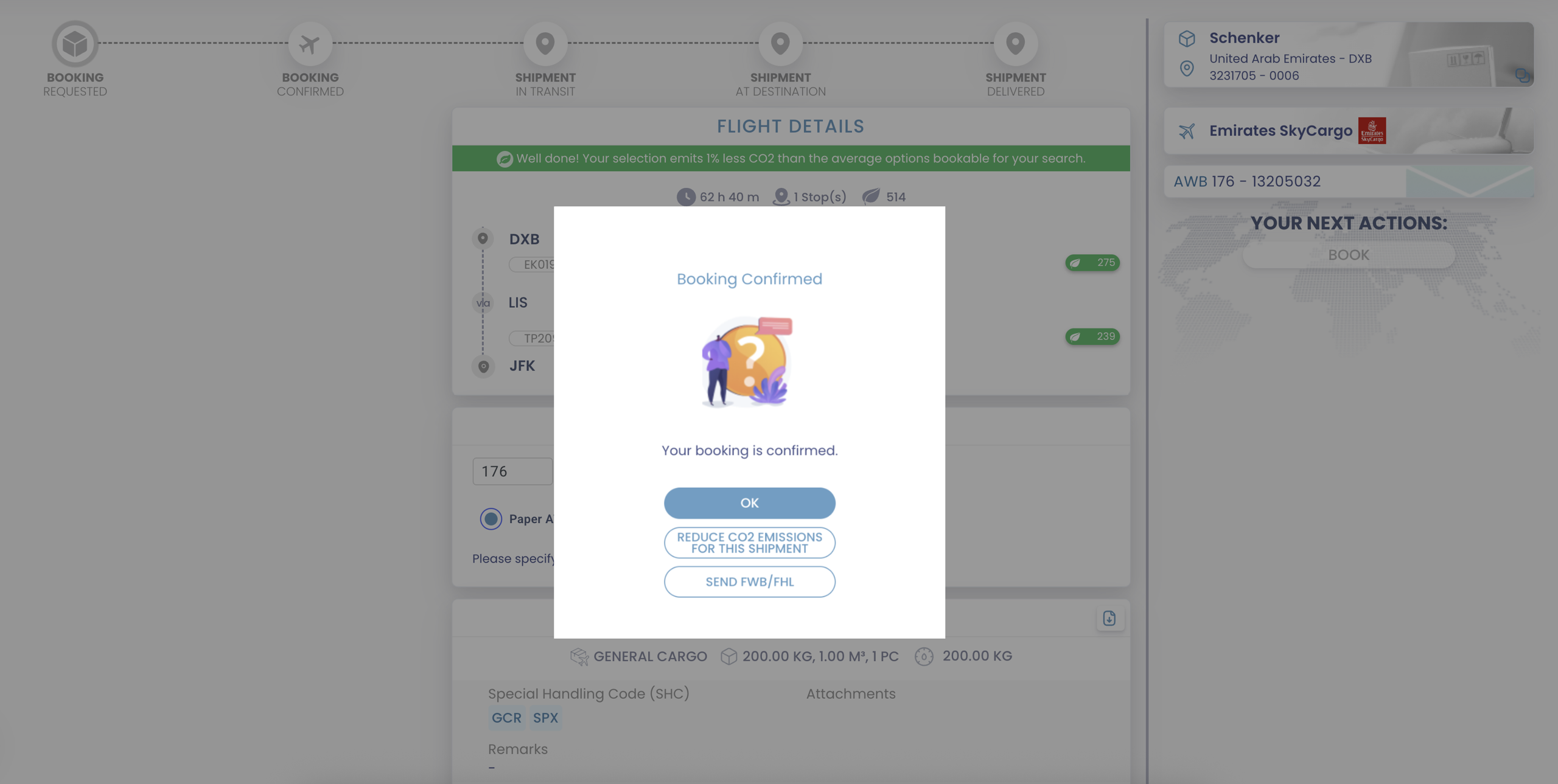
Review flight options and confirm the booking in just a few clicks.
Need Help?
Contact our team at support+interline@cargoai.co.